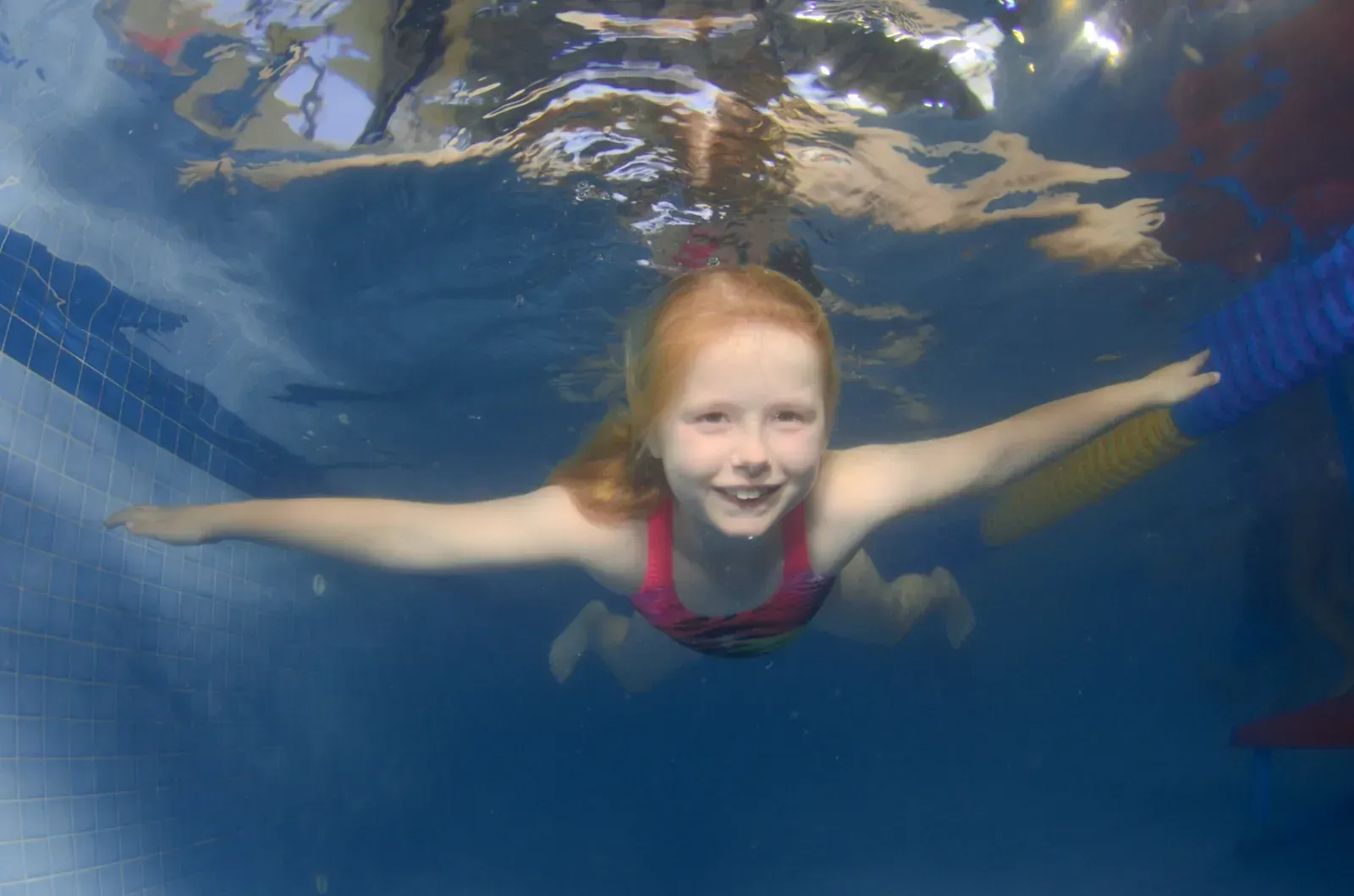
Thinking about baby swimming lessons? What to look for, what happens in class, starting from 6 months, and booking a free trial in Oakhurst.
Water safety, fitness, confidence, fun and a skill for life: five reasons for kids and adults to learn to swim, incl. beginner adult classes.
What to expect at your preschooler's first swimming lesson at Little Fishes in Oakhurst: warm water, gentle skills and tips for nervous kids.
Little Fishes runs lessons all year, not in school terms, so your child can keep swimming through the summer holidays. Heated indoor pool, Oakhurst.
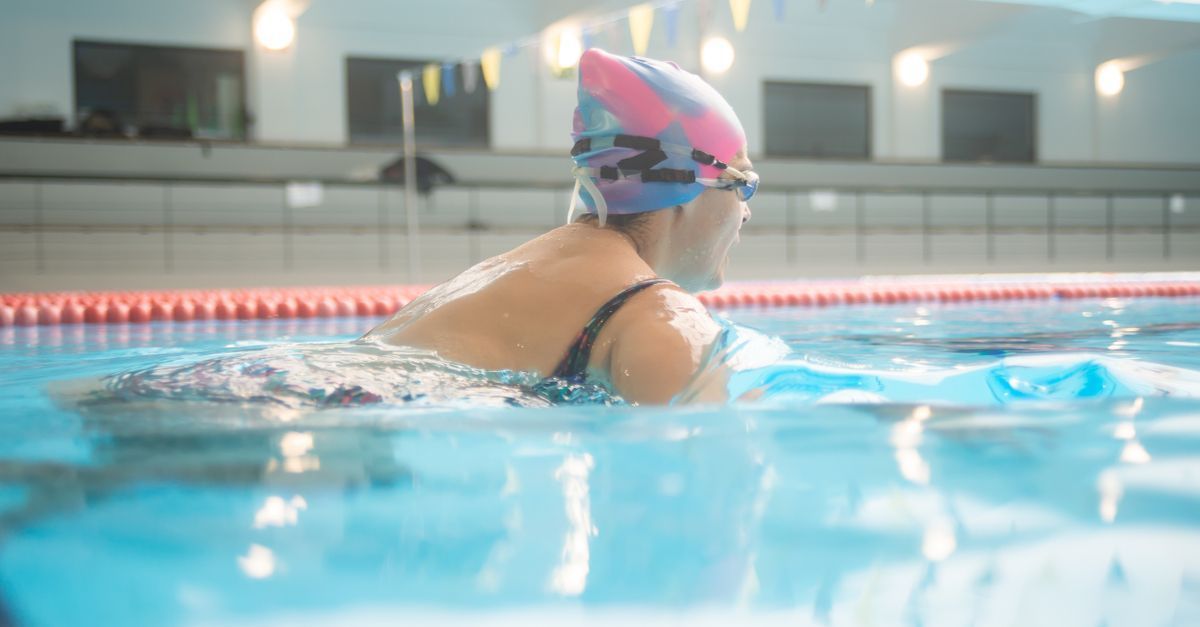
Beginner swimming lessons for adults on Tuesday and Thursday nights at our warm indoor pool in Oakhurst, near Blacktown. Small, friendly classes.
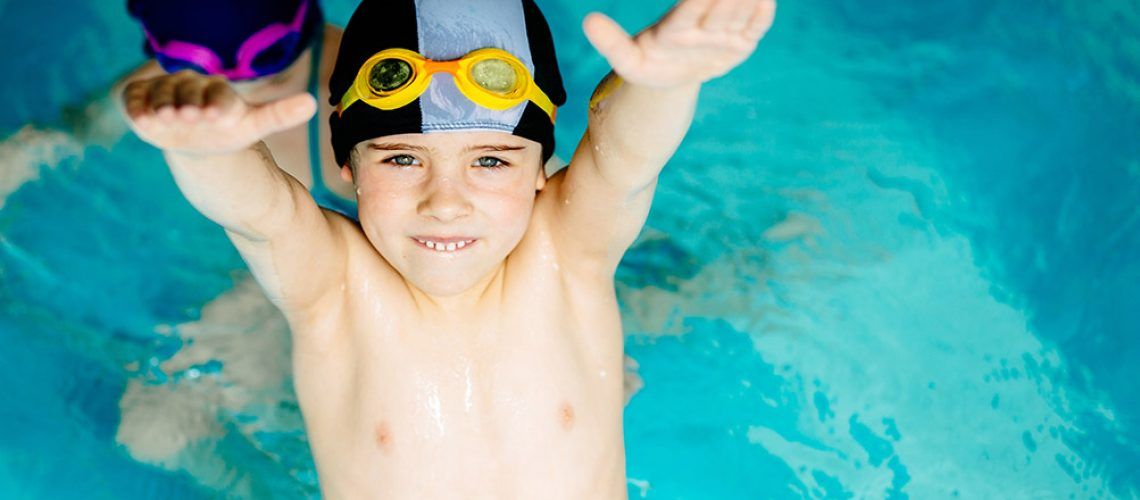
Private swimming lessons for children with additional needs at our warm indoor pool in Oakhurst, near Blacktown and Mount Druitt. Enquire via our form.
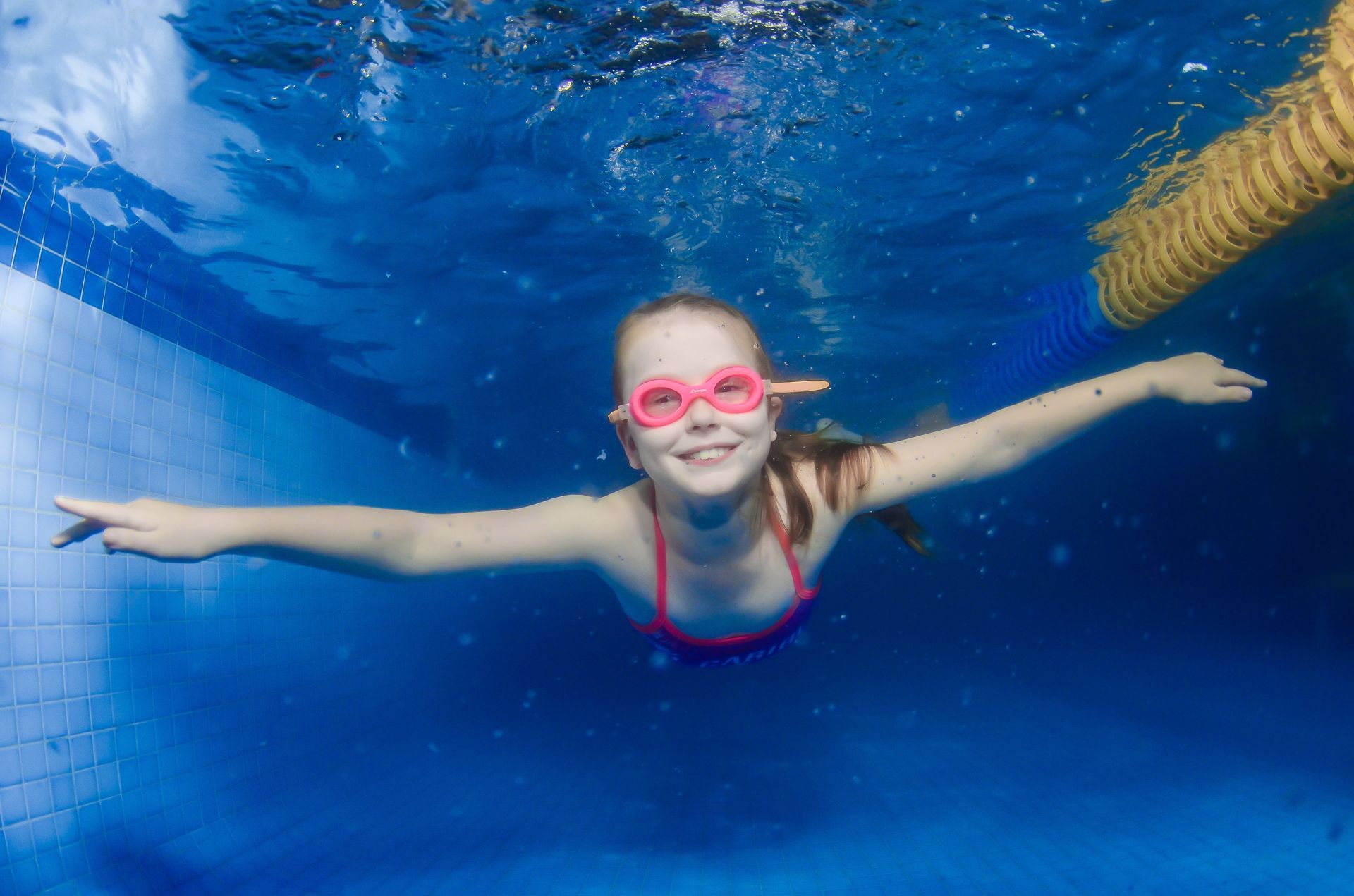
Is your child crying at swimming lessons? Seven gentle, practical ways to help them settle, from Little Fishes Swim School in Oakhurst, Western Sydney.
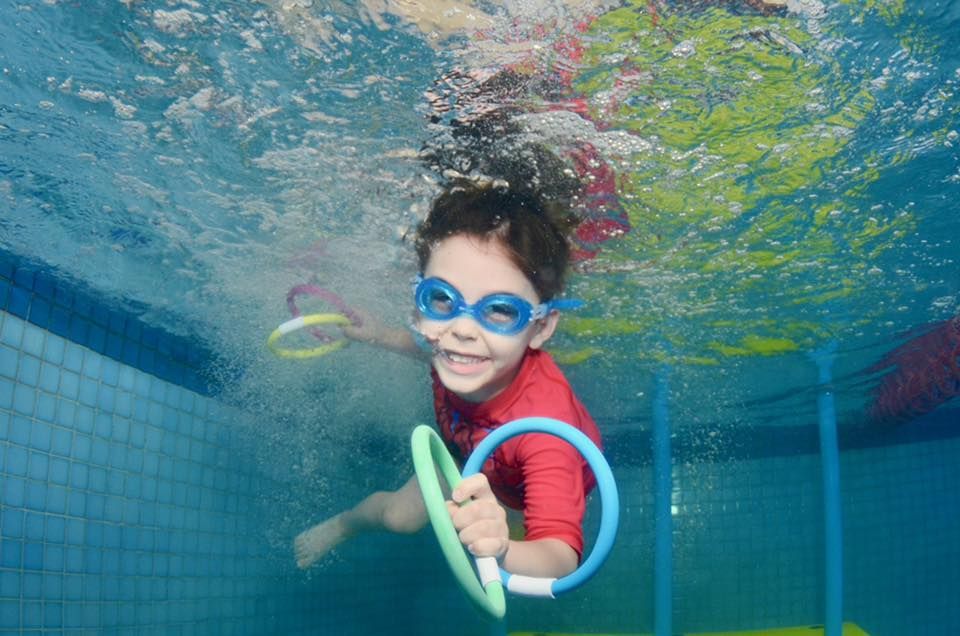
A checklist for your child's first swimming lesson at Little Fishes in Oakhurst: swimwear, swim nappy, towel, warm clothes and tips for a calm start.
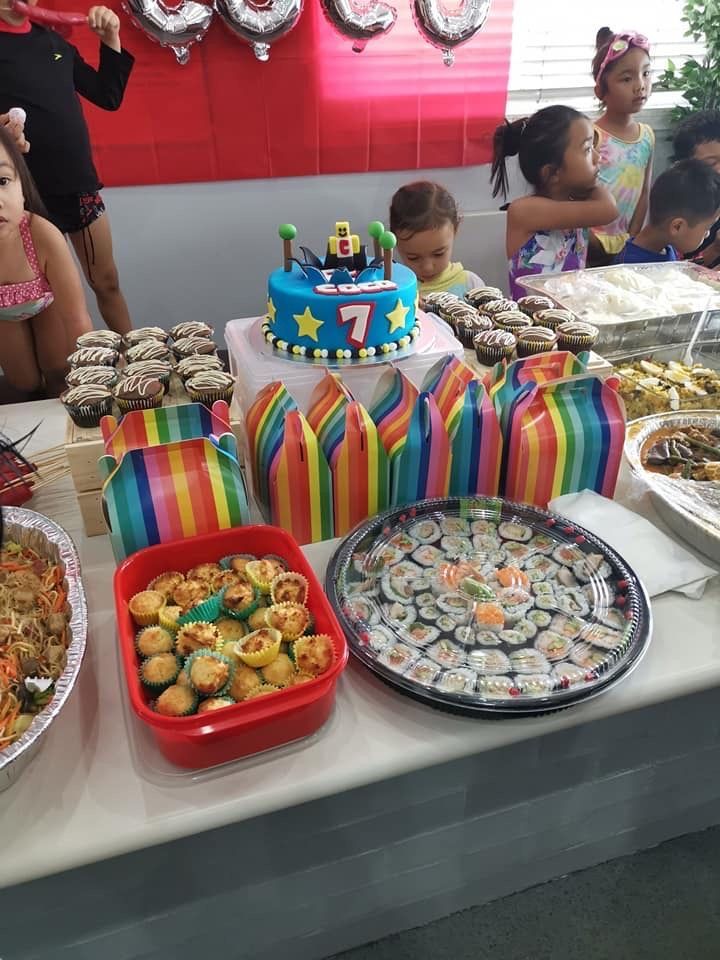
Plan a kids' pool party at our warm indoor pool in Oakhurst, Western Sydney. See our Bronze, Silver and Gold packages from $600, plus booking tips.
What the Griffith University early years swimming study found, what it can't prove, and the real benefits of swimming for young children.